How to use
Easy Guide to Creating & Earning from Affiliate Links
Editing your information
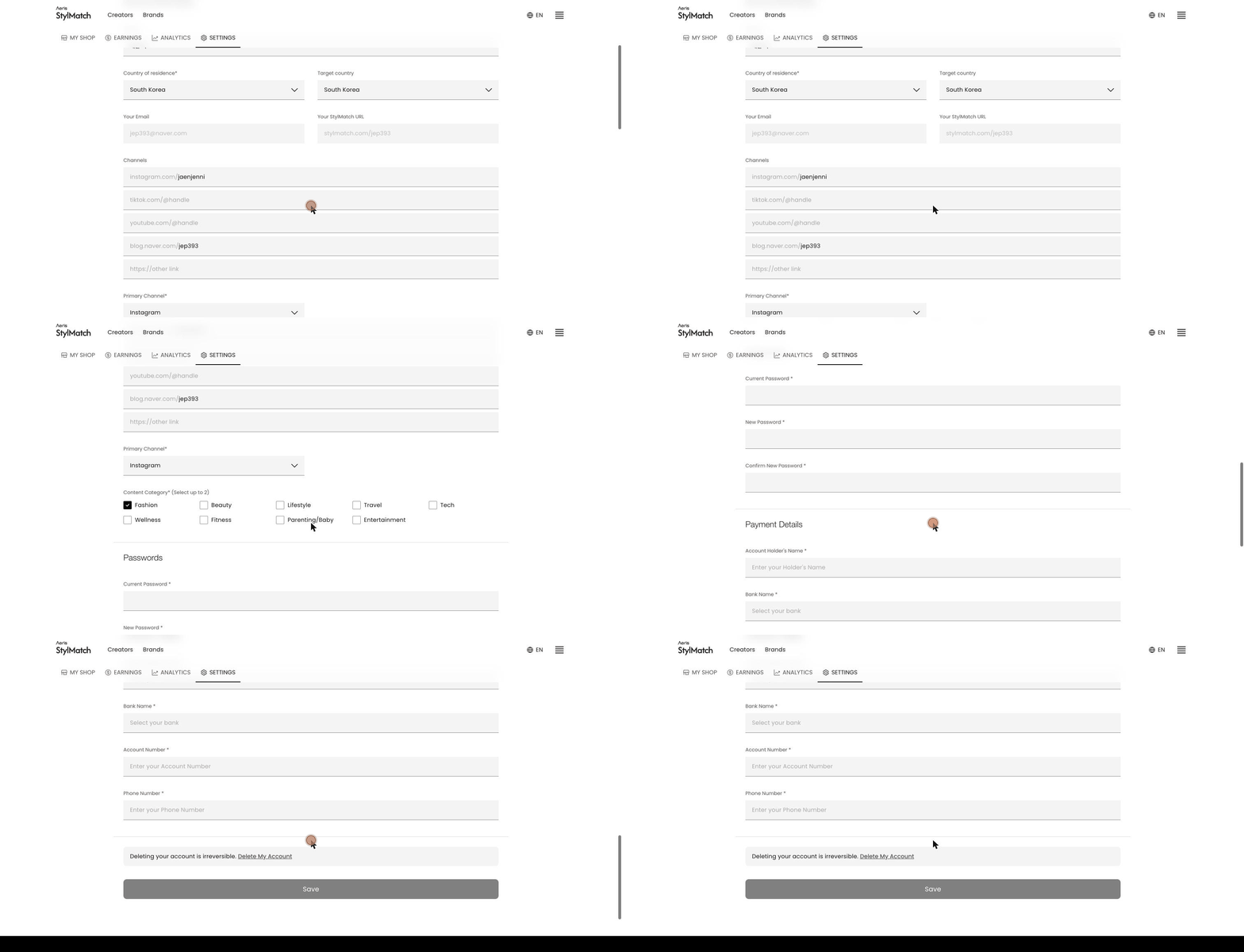
Update your name, country, and shop address.
- Go to Settings.
- Make your changes under Account Information.
- Click Save.
- Country of residence — where you live. This determines how you receive your payouts
- Target country — where most of your audience is. This affects which stores and commissions are recommended to you, and may differ from your country of residence
- Your StylMatch URL — your shop address
- Channels / Primary Channel — the channels you run, and which one is your main channel
- Content Category — up to two