
How to use
Easy Guide to Creating & Earning from Affiliate Links
Updating your payment details
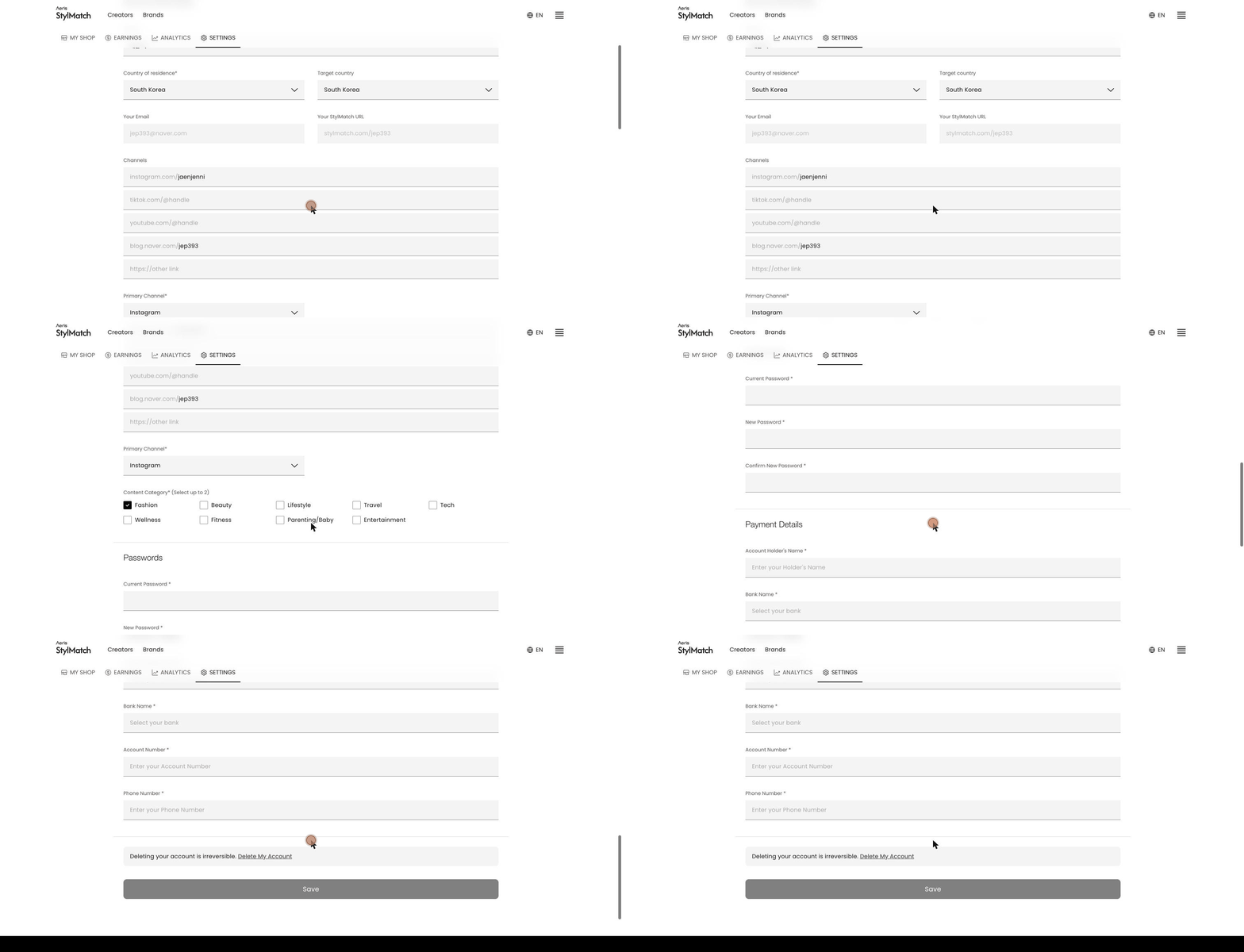
Add or update your bank account or PayPal details.
- Go to Settings.
- Make your changes under Payment Details at the bottom.
- Click Save.
The fields shown depend on your Country of residence.
- Korea — Account Holder's Name, Bank Name, Account Number, Phone Number
- All other countries — your PayPal email address
If you are only changing your account details, you do not need to resubmit your documents. However, a new bankbook copy is required if the account holder changes.